Renderworks
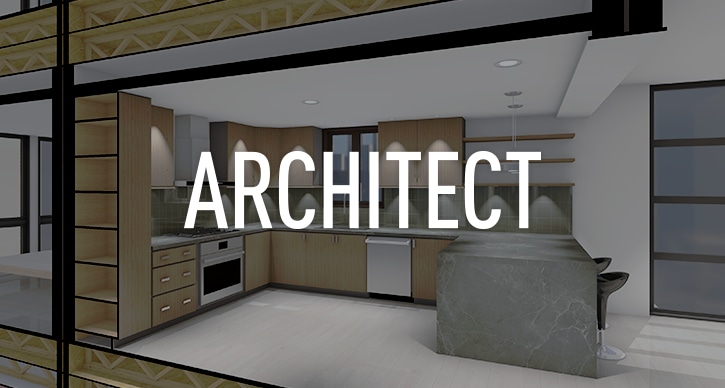
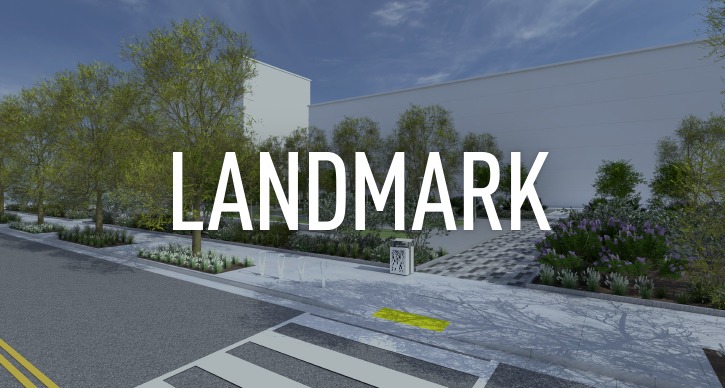
Renderworks is the essential presentation-rendering tool that seamlessly integrates with Vectorworks, making the need for external rendering applications obsolete. Whether you want to produce artistically styled presentation drawings, or stunning photorealistic renderings, Renderworks will empower you to do it. Its sophisticated rendering technologies such as radiosity, final gather, and high dynamic range imaging, are packaged in an intuitive, straight-forward, and easy-to-use design environment.
Profile
Here's just some of what Renderworks 2010 has to offer:
- Radiosity
- Final Gather
- Non-photorealistic rendering (Artistic RenderWorks)
- Directional, point and spot lights
- Area and line lights
- Volumetric lighting
- Define lights with real-world physical lighting attributes
- Camera object
- Drag and drop textures
- Predefined texture libraries
- New Visualisation palette for controlling lights and cameras
- New OpenGL interactive shadows (hardware dependent)
New In 2010
Rendering Features
![]() |
New Decal Texturing Since you can now apply multiple decal textures over another texture, it's simple to create labeling, signage, and layered material effects.View Movie |
|---|---|
![]() |
New Blur Reflectivity Shaders You can now add a blur factor to the simple glass and mirror reflectivity shaders. With these shaders, reflections will look so realistic, you might have to touch them to see if they're real.View Movie |
![]() |
Improved Texture Mapping Controls You'll enjoy the improved 2D and 3D texture mapping. We've merged intuitive mapping controls into a single tool. Nice and simple.View Movie |
![]() |
New Content New HDRI Backgrounds including exterior, interior, and studio backgrounds have been added. |
![]() |
New VBvisual Plant Tool Now you can easily place top quality 3D plants that render quickly and look great. Just choose the plant type from the list and select the planting season. Click and plant! |
Features
Add Renderworks to Create Spectacular 3D Presentations
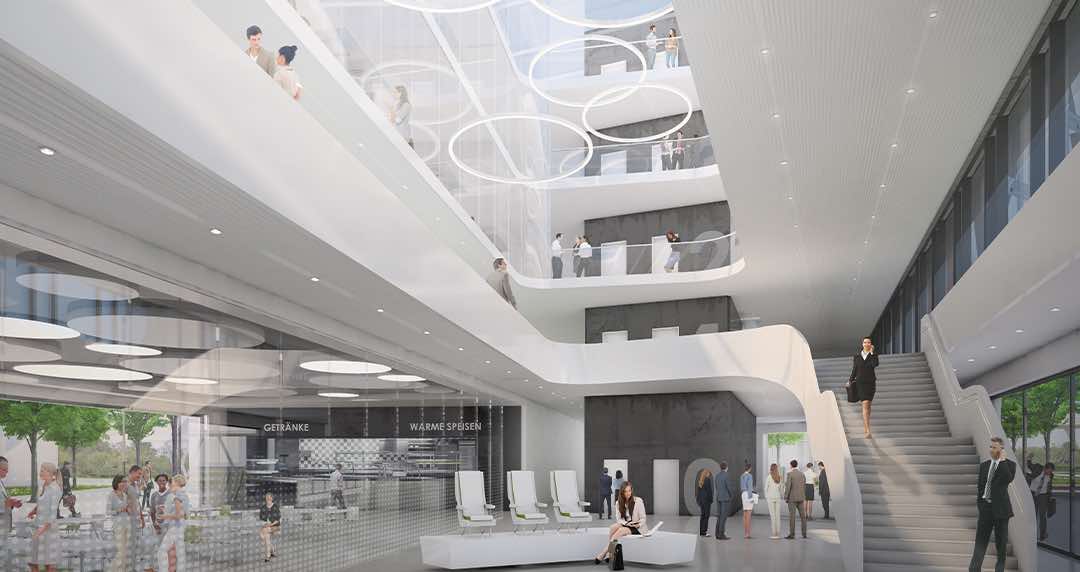
Renderworks seamlessly integrates into Vectorworks to provide you with sophisticated photorealistic and hand-rendered effects. Whatever your objective-realistic or artistic-you can create stunning presentations to help you sell your ideas.
Create Realistic Renderings
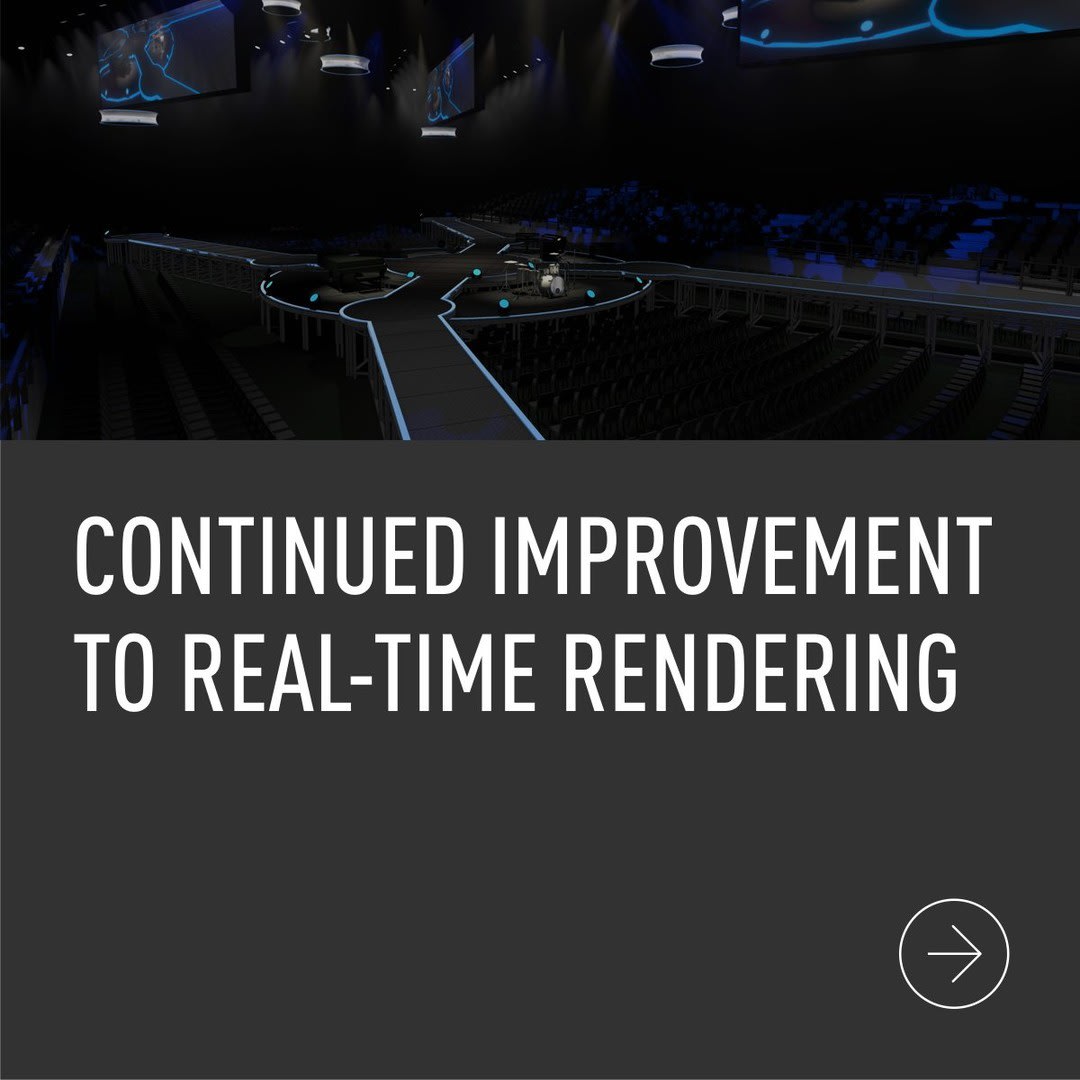
- Interactive OpenGL rendering supports textures, shadows, backgrounds, and allows real-time flyovers and walkthroughs.
- For photo-realistic rendering choose between Radiosity and Ray Traced rendering. Both come with options for Final Gather, anti-aliasing, realistic lighting behavior and shadows. Shadow option allows you to add hard or soft shadows to your scenes.
- Show your models on the real-world environments by incorporating photos as backgrounds or choose one of the default colour, sky/cloud, or HDRI backgrounds. For drama, add atmospheric effects such as snow, fog, and lit fog to your backgrounds.
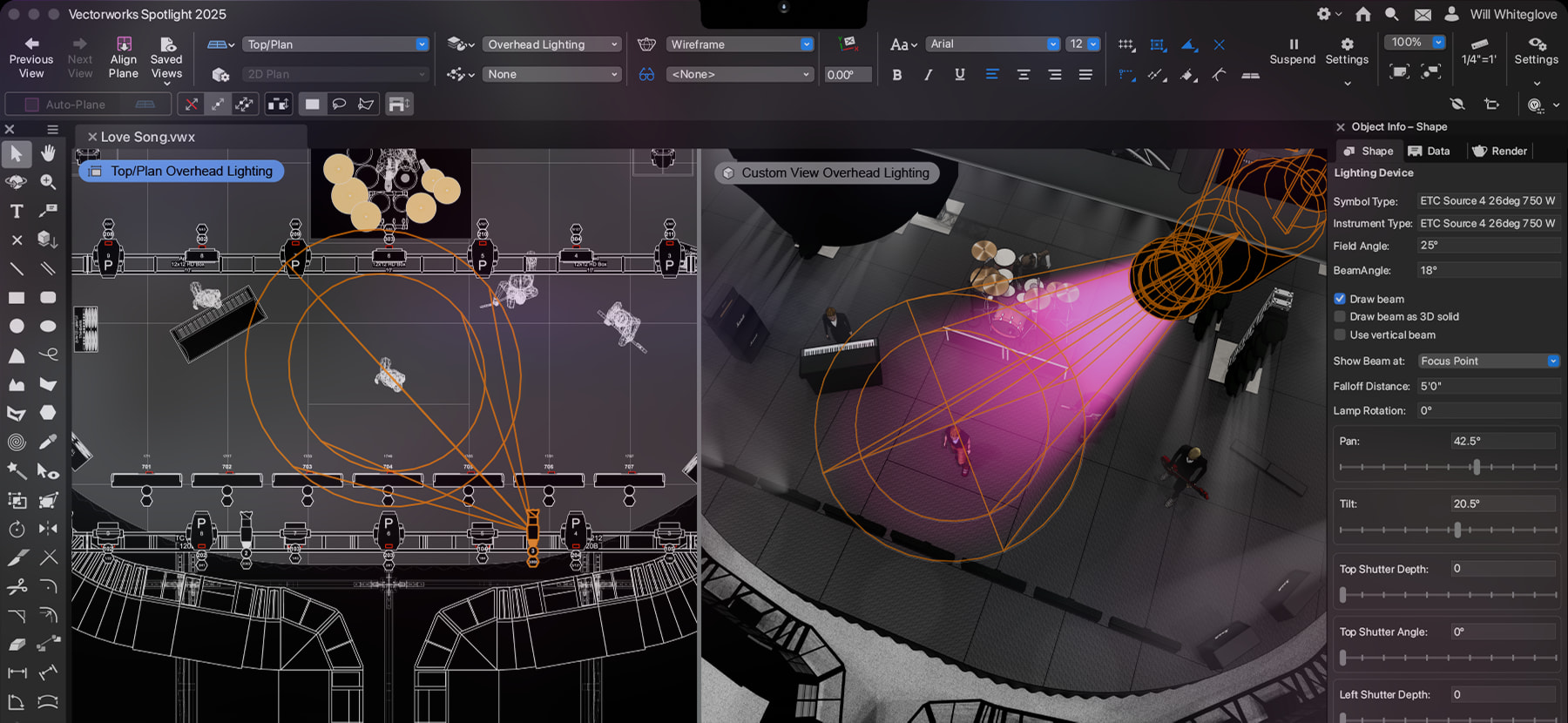
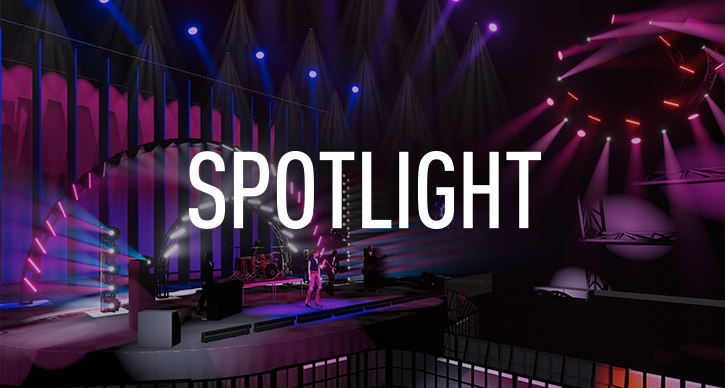
- Show shafts or beams of light with volumetric lighting. Options allow you to control the density and atmospheric effect.
Create Non-Photorealistic (Artistic) Renderings
Artistic rendering mode allows you to soften hard lines and reproduce many hand-sketched styles, including cartoon, colour wash, contour, tapered lines, hatch, ink print, lines and shadows, mosaic, oil painting, overlapping lines, soft lines and stipple. They are perfect when you're just trying to convey concepts and give clients a sense for the space.
Take Textures to a New Level
- Access a vast library of image-based textures and pre-defined shaders out of the box. Or, create custom textures from file formats, such as TIF, JPG, GIF and BMP. For added realism add reflection, transparency and bump effects.
- Turn any colour into a texture or, depending on what Vectorworks product you have, you can easily convert Vectorworks Pantone®, Benjamin Moore®, Sherwin-Williams®, Resene®, or Rosco® colour palettes into texture libraries.
- Turn any photo into a 3D image prop or access the free image prop library that ships with Renderworks.
- It's easy to apply and edit textures in real time. Interactively position, resize and rotate textures directly on the surface of 3D objects.
Sun Studies and VR
- Accurately create sun studies and solar animation by defining a directional light at a specific latitude, longitude, date and time.
- Renderworks provides Macintosh® and Windows®support for QuickTime® VR.
Light and Cameras
- In addition to the direction, spot, and point lights found in Vectorworks, Renderworks adds line and area lights. Area and line lights add another level of realism to your rendered scenes, allowing you to transform objects into light sources. They're great for producing soft, glowing lighting effects such as neon tube lighting, fluorescent light boxes, lit windows or skylights.
- Physical lighting attributes allow you to define a light object with real-world photometric properties as well as by importing load distribution files provided by lighting manufacturers.
- Quickly light scenes and add environments by adding HDRI backgrounds.
- Cameras make it easy to set and edit 3D views. Perspective View controls let you set the camera's height, the look-to-height, move the camera left/right as well as pan, adjust the focal length (zoom), change the aspect ratio and clip frame size.
- A handy Visualization palette provides a one-stop interface for managing lights and cameras in the model.
Added Import Export Options
- Export EPix/Paranesi option.
- Export QuickTime® Panorama and Object VR movies.
- Export High Dynamic Range Image (HDRI).
Gallery
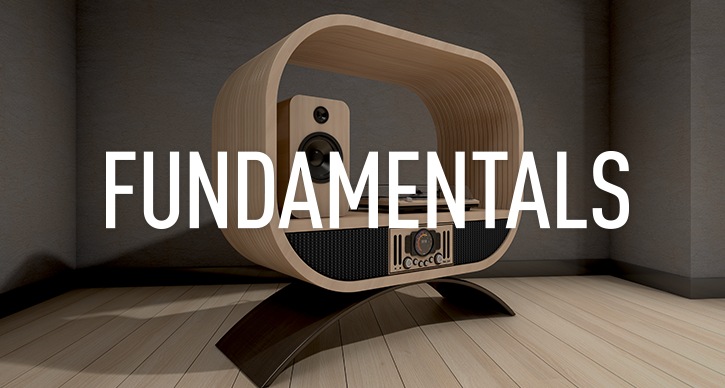
All images on this page were modelled in Vectorworks and rendered in RenderWorks. Images are copyright to their respective owners. They may not be copied or reproduced without permission.