Vectorworks Online Training
New copies of Vectorworks 2010 ship with free Getting Started Guides which are designed to help users who are unfamiliar with Vectorworks (or are new to CAD) get up and running more quickly. This includes different guides for the different modules, which are also available for free download using the links below.
Upgrade copies of Vectorworks 2010 also ship with these free guides, along with the 2010 Your Guide to What's New. This is designed to help current users learn about new or improved features. This guide can be downloaded using the link below.
If you find that you need further resources, please click here to read more about additional books and DVDs, or click here for information on training courses.
Should you require additional assistance, there are a number of trainers around Australia who will come to your office for single or group training. These are listed to the right.
Vectorworks Trainers
- Sydney
- Scott Finlay
m: 0425 301 158
e: scott@vectorworkstraining.com.au - NSW North Coast
- Luis Cristia
t: 02 6684 4416
e: luisc@bigpond.com - Melbourne
- Felicity Bernstein
designer|soft Pty Ltd
m: 0403 611 217
e: felicity@designerSoft.com.au - Robert Lavin
D4 Design & Draft
t: 03 9773 9439
e: lavin.robert@gmail.com - Perth
- Mike Moore
t: 08 9306 3917
e: mikemoor@opera.iinet.net.au - Brisbane
- Geoff Grimes
t: 07 3358 4759
e: gg@synarchi.com.au
Getting Started with Vectorworks Architect 2010
This step by step instructional tutorial takes you through a complete project from start to finish. This is a relatively short tutorial at less than 100 pages, but lets you try out many of the great features in Vectorworks in the context of a project while teaching you best practices along the way.
Getting Started with Vectorworks Landmark 2010
This step by step instructional tutorial takes you through a complete project from start to finish. This is a relatively short tutorial at less than 100 pages, but lets you try out many of the great features in Vectorworks in the context of a project while teaching you best practices along the way.
Getting Started with Vectorworks Fundamentals 2010
This step by step instructional tutorial takes you through a complete project from start to finish. This is a relatively short tutorial at less than 100 pages, but lets you try out many of the great features in Vectorworks in the context of a project while teaching you best practices along the way.
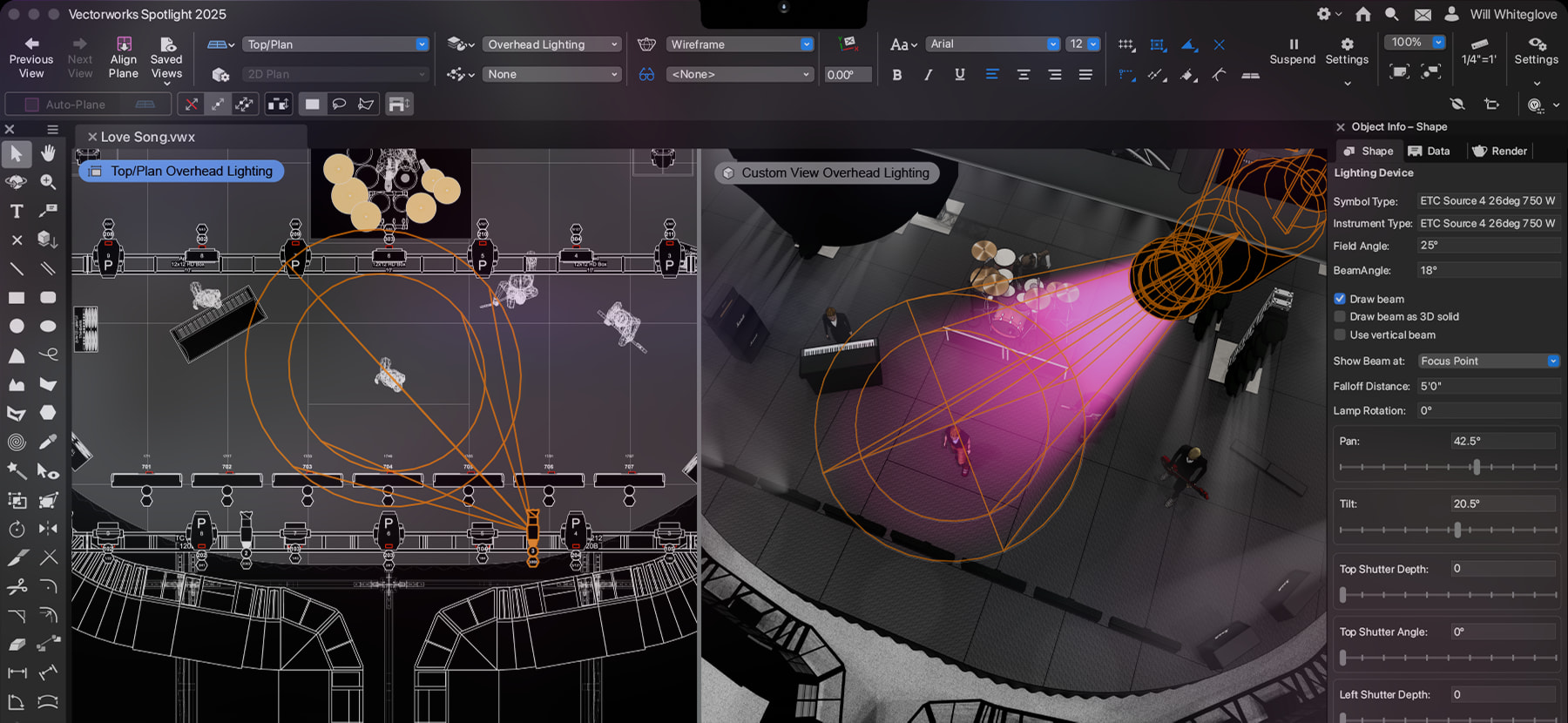
Getting Started with Vectorworks Spotlight 2010
This instructional guide takes you through the basics of how to use Vectorworks Spotlight. This is a relatively short 100 page guide. The guide lets you try out many of the great features in Vectorworks in the context of short exercises while teaching you best practices along the way.
2010 Your Guide to What's New
Download this pdf to check out all the significant improvements like the unified 3D modeling environment; easy-to-use 2D, Dimensional Constraint Manager (DCM) from Siemens PLM; great new architectural, landscaping, and entertainment design features; new rendering functionality; and many important usability changes, all built upon the Parasolid® modeling core.
Shell Creation Tutorial
View a video tutorial of how to create the image located on the cover of 'What's new in Vectorworks 2009' brochure.
For written step-by-step instructions, please follow this link.
QuickStart Guide to Vectorworks 2009
This short no-nonsense guide to Vectorworks contains three mini-guides. QuickStart to Fundamentals, QuickStart to Architect, and QuickStart to Landmark. In less than 20 pages these guides will get you started and teach the most important concepts.
Getting Started with Vectorworks Fundamentals 2009
This step by step instructional tutorial takes you through a complete project from start to finish. This is a relatively short tutorial at less than 100 pages, but lets you try out many of the great features in Vectorworks in the context of a project while teaching you best practices along the way.
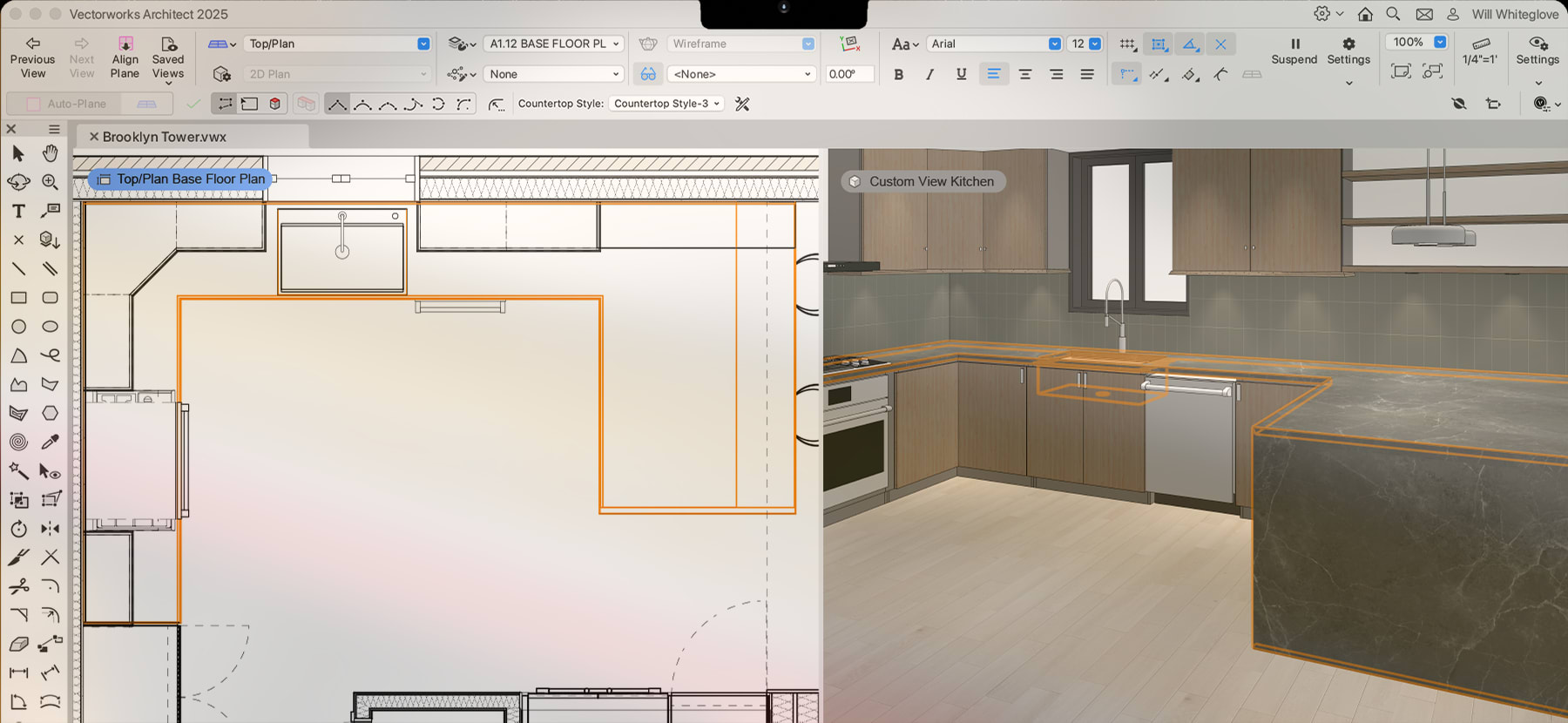
Getting Started with Vectorworks Architect 2009
This step by step instructional tutorial takes you through a complete project from start to finish. This is a relatively short tutorial at less than 100 pages, but lets you try out many of the great features in Vectorworks in the context of a project while teaching you best practices along the way.
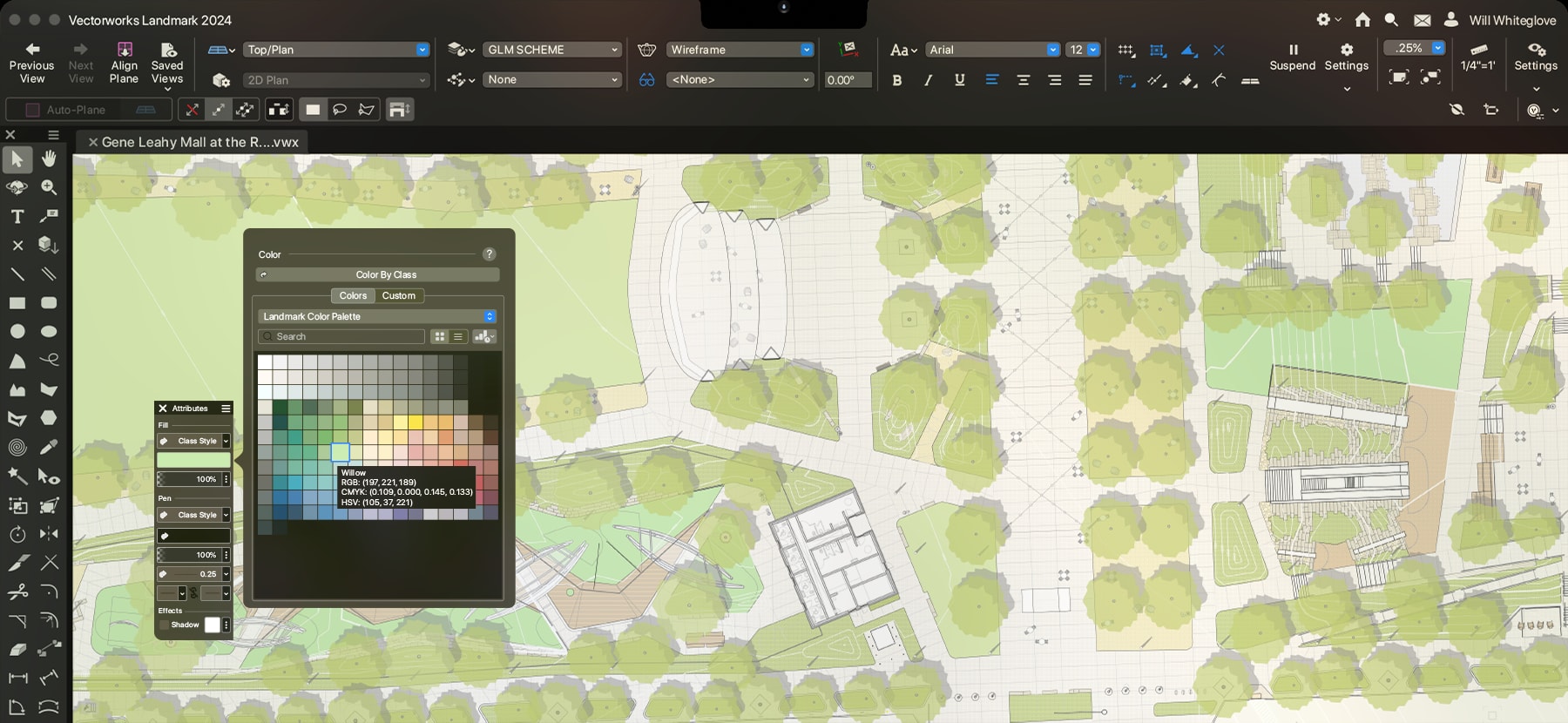
Getting Started with Vectorworks Landmark 2009
This step by step instructional tutorial takes you through a complete project from start to finish. This is a relatively short tutorial at less than 100 pages, but lets you try out many of the great features in Vectorworks in the context of a project while teaching you best practices along the way.